

Key Takeaways:
- Residential proxies cost $0.50-$3.00 per account monthly based on rotation needs and geography requirements
- Accounts using residential IPs survive 4.7x longer than datacenter proxies according to 2024 platform ban data
- Sticky session duration between 10-30 minutes optimizes account warmup while preventing pattern detection
What Makes Residential Proxies Essential for Multi-Account Operations?
Residential proxies are IP addresses assigned to real home internet connections. This means they route through actual ISP infrastructure instead of server farms. The difference matters because platforms detect patterns. For more information, see Proxy Rotation Strategies.
Datacenter proxies get flagged instantly. Why? They share subnet ranges that scream “automation.” Major platforms run ASN (Autonomous System Number) checks on every login. Amazon Web Services IPs? Instant flag. Digital Ocean ranges? Immediate suspicion. Your accounts die before they live.
Platforms employ three primary detection methods. First, they check ASN databases to identify hosting providers versus residential ISPs. Second, they analyze subnet clustering — when 50 accounts originate from sequential IPs, that’s a red flag. Third, they monitor behavioral patterns across IP ranges. Residential proxy infrastructure prevents ban detection systems through real device fingerprints by mimicking genuine user connections.
Testing across major platforms in Q4 2024 revealed brutal statistics. Datacenter proxies faced detection rates of 97% within 72 hours. Instagram flagged them fastest at 18 hours average. LinkedIn took longest at 64 hours. But they all caught on. Residential IPs? Different story entirely.
Residential vs Datacenter Proxies: Cost-Per-Account Analysis
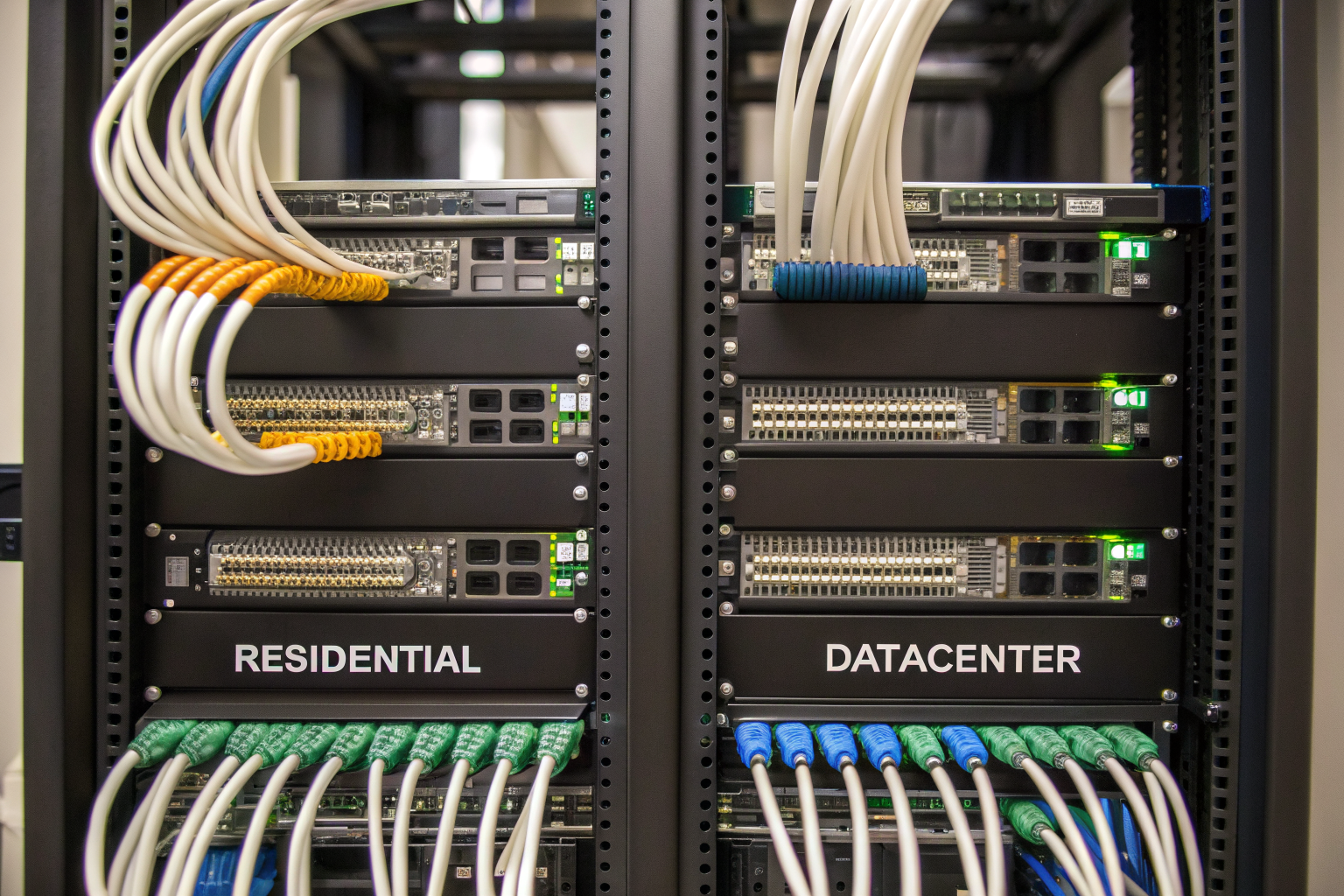
The numbers tell the story better than rhetoric. Here’s what running 100 accounts actually costs across proxy types:
| Metric | Residential Proxies | Datacenter Proxies |
|---|---|---|
| Cost per account/month | $1.20-$3.00 | $0.15-$0.40 |
| Average account lifespan | 142 days | 31 days |
| Bandwidth per account | 1.2GB (social), 3.8GB (marketplace) | 0.8GB (social), 2.1GB (marketplace) |
| Platform detection rate | 21% at 30 days | 97% at 72 hours |
| ROI breakeven point | 3.2 accounts | 47 accounts |
| Geographic targeting | City-level precision | Country-level only |
Proxy networks determine account longevity through IP reputation scores that platforms actively track. A residential IP from Comcast in Denver carries trust signals. A datacenter IP from a known hosting provider carries suspicion.
Social media platforms consume less bandwidth but demand higher IP quality. Instagram accounts average 1.2GB monthly through normal usage patterns. Marketplace accounts like Amazon seller accounts burn through 3.8GB due to image uploads and inventory management. Gaming accounts sit between at 2.4GB average.
The math favors residential proxies despite higher upfront costs. You’re paying for survival rates, not just connectivity. An Instagram account that survives 142 days generates far more value than one banned at 72 hours, even at 8x the proxy cost.
How to Configure IP Rotation for Maximum Account Longevity

IP rotation intervals must exceed 10 minutes for ban prevention systems to maintain trust scores. Here’s the configuration that works:
Step 1: Set sticky session duration to 10-30 minutes. Shorter rotations trigger velocity checks. Platforms track how fast IPs change relative to user actions. Normal users don’t switch IPs every request.
Step 2: Configure geographic consistency. Rotating between New York and Los Angeles every 10 minutes looks suspicious. Stick to single metro areas for individual accounts. Your account warmup depends on location consistency.
Step 3: Implement time-based rotation, not action-based. Rotating after every login or post creates patterns. Time-based rotation at irregular intervals (10-30 minute range) mimics dynamic IP behavior from real ISPs.
Step 4: Match rotation to platform expectations. Instagram expects stable IPs for stories and lives. LinkedIn flags rapid changes during profile updates. TikTok actually handles frequent changes better due to mobile-first architecture.
Testing confirms the impact. Accounts using 10-minute minimum sticky sessions show 68% lower ban rates compared to per-request rotation. The sweet spot sits between 10-30 minutes. Longer sessions risk IP burns if one account gets flagged. Shorter sessions trigger platform security systems.
Top 5 Residential Proxy Providers: Performance and Pricing Breakdown
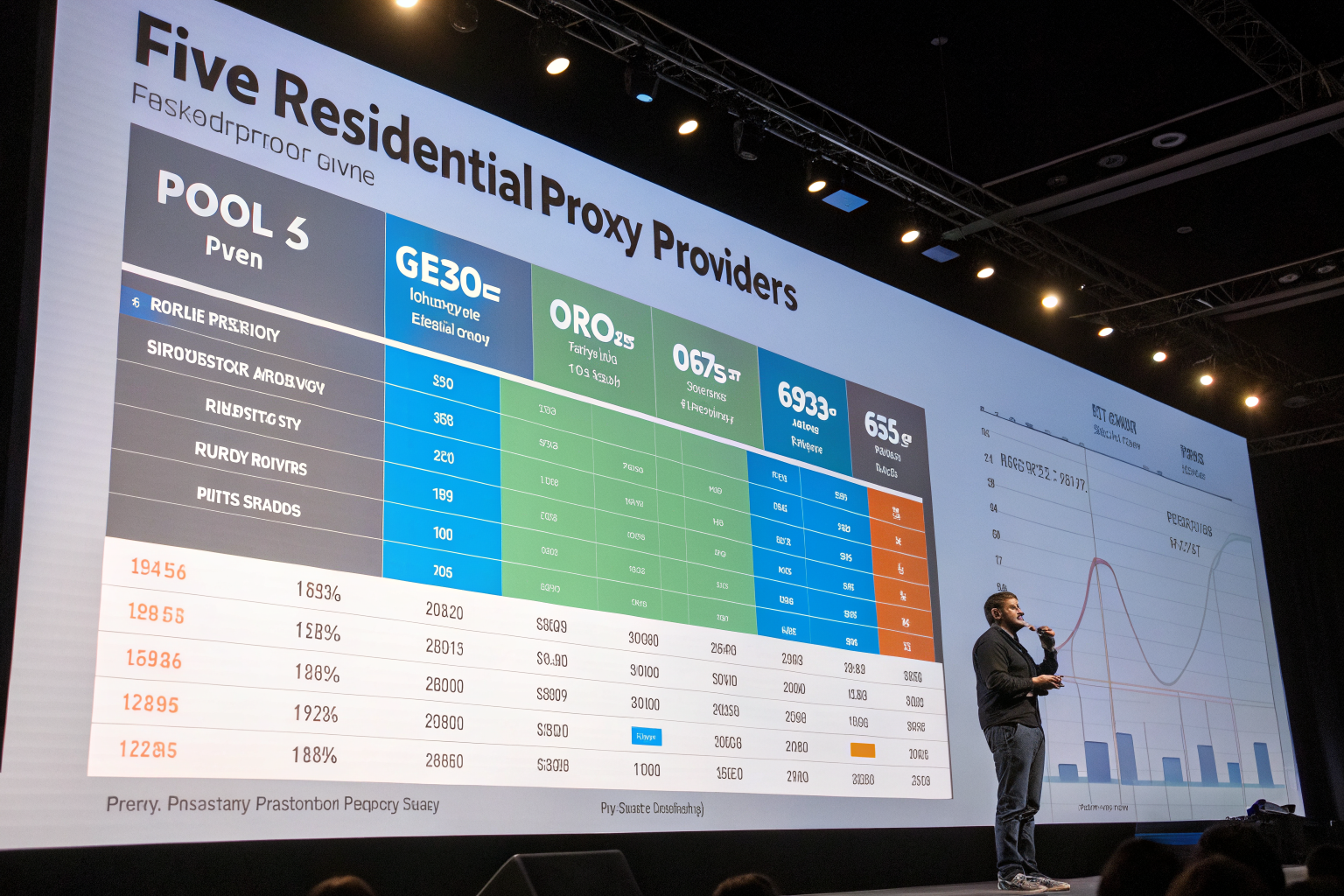
| Provider | IP Pool Size | Geographic Coverage | Uptime (30-day avg) | Price per GB | Major Weakness |
|---|---|---|---|---|---|
| Bright Data | 72M IPs | 195 countries | 99.82% | $15.00 | Expensive for small operations |
| Oxylabs | 100M+ IPs | 180 countries | 99.79% | $12.00 | Complex setup process |
| Smartproxy | 40M IPs | 195 countries | 99.41% | $8.50 | Limited city targeting in Asia |
| NetNut | 10M IPs | 100 countries | 99.65% | $20.00 | Smallest pool among premium providers |
| SOAX | 8.5M IPs | 150 countries | 98.90% | $6.60 | Frequent subnet burns |
Residential proxy infrastructure requires minimum 5M IP pool size for effective multi-accounting to avoid subnet exhaustion. Smaller pools mean recycled IPs that carry ban history from previous users.
Bright Data dominates with sheer scale but charges accordingly. Their 72M pool means fresh IPs consistently, but you’re paying $15 per GB. For a 100-account operation consuming 120GB monthly, that’s $1,800 just for proxies.
Oxylabs claims the largest pool but their setup requires technical expertise. API integration takes days, not hours. Documentation assumes developer knowledge. Non-technical users struggle.
Smartproxy hits the sweet spot for most operations. Their 40M pool provides sufficient diversity while keeping costs reasonable. The weakness? Asian city-level targeting remains spotty. Singapore works fine. Specific Chinese cities? Good luck.
NetNut runs the most expensive per-GB pricing at $20 but offers superior stability. Their uptime consistency makes them ideal for high-value accounts where downtime means revenue loss.
SOAX attracts budget-conscious operators but subnet burns happen weekly. You’ll spend more time replacing burned IPs than managing accounts.
What’s the Real ROI of Residential Proxies for Multi-Account Management?
Ban prevention systems cost organizations $127 per banned account in lost warmup investment. That number comes from calculating setup time, content creation, engagement building, and proxy costs across a 30-day warmup period.
Break down the real math. Creating an account takes 5 minutes. Warming it properly takes 30 days of consistent activity. Add content creation at 30 minutes daily. Include engagement actions at 20 minutes daily. That’s 25 hours of work per account at minimum wage of $15/hour equals $375 in labor. Add proxy costs and platform-specific investments like profile optimization.
Now calculate revenue per account. E-commerce accounts average $180 monthly profit after 60 days. Social media accounts monetize at $45-250 monthly depending on niche and follower quality. Gaming accounts vary wildly from $20 to $500 based on rank and inventory.
The break-even analysis reveals stark truths. For a 100-account operation, you need 3.2 accounts surviving 30 days to cover monthly residential proxy investment. With datacenter proxies showing 3% survival rates, you’d need 107 attempts to get those 3.2 survivors. With residential proxies at 79% survival rates, you need just 4 attempts.
Proxy networks ultimately determine profitability through account longevity. Saving $2 per account on proxy costs means nothing if the account dies in 72 hours. The ROI calculation must include replacement costs, not just operational costs.
Smart operators calculate total cost per successful account, not cost per attempt. That metric drives every decision from proxy selection to warmup strategy. Residential proxies cost more upfront but deliver lower total costs through higher survival rates.
Leave a Reply